Automating Paid Media Reports with Claude + Looker Studio
How to combine Looker Studio for dashboards and Claude for narrative and analysis: monthly reports that stop being a repetitive manual job.
In this article
Producing a monthly paid media report for an average client (Google Ads + Meta Ads, €5,000-€30,000 spend) takes between 4 and 8 hours if done properly: pulling data, building tables, calculating variances, writing campaign-by-campaign commentary, spotting anomalies, drafting an executive summary. Multiply by 5-10 clients per month and that’s 40 to 80 monthly hours on a single repetitive task.
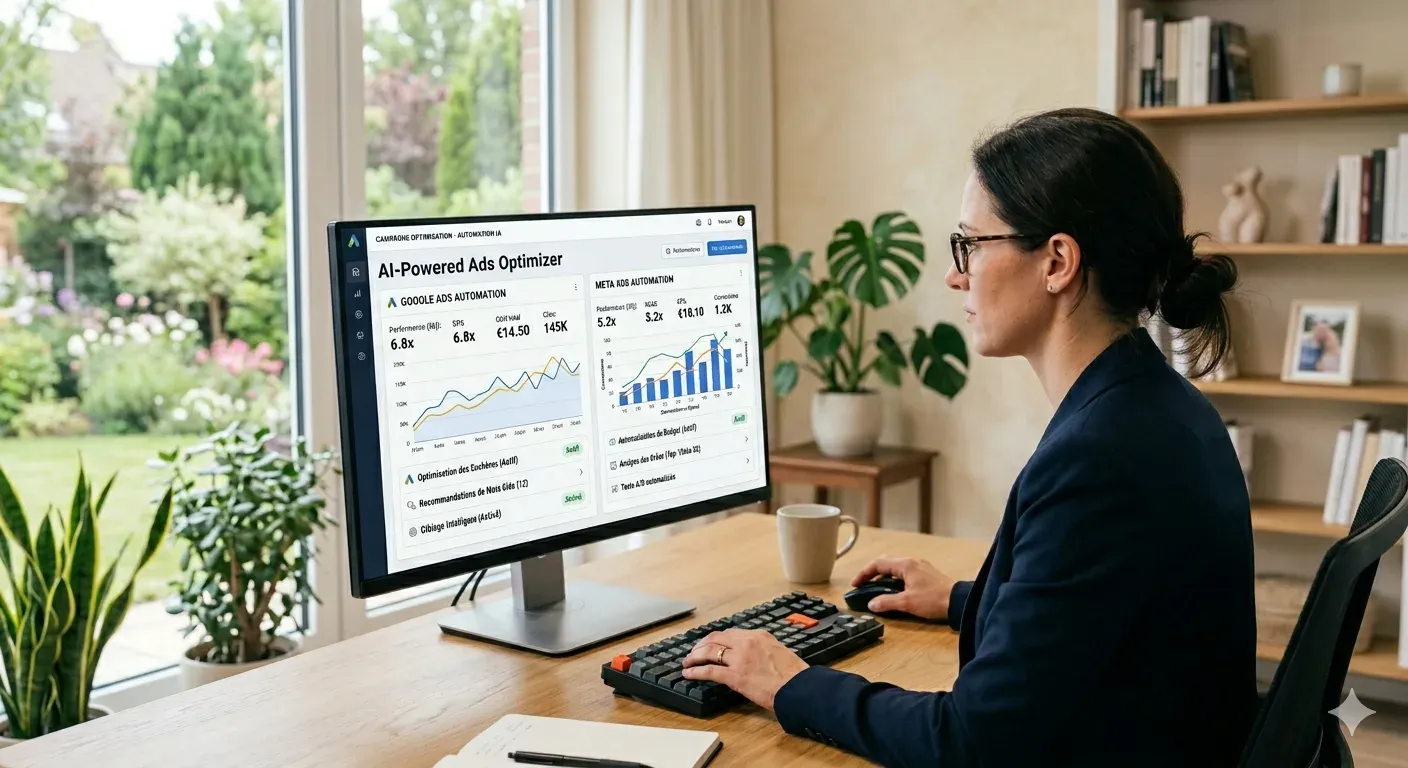
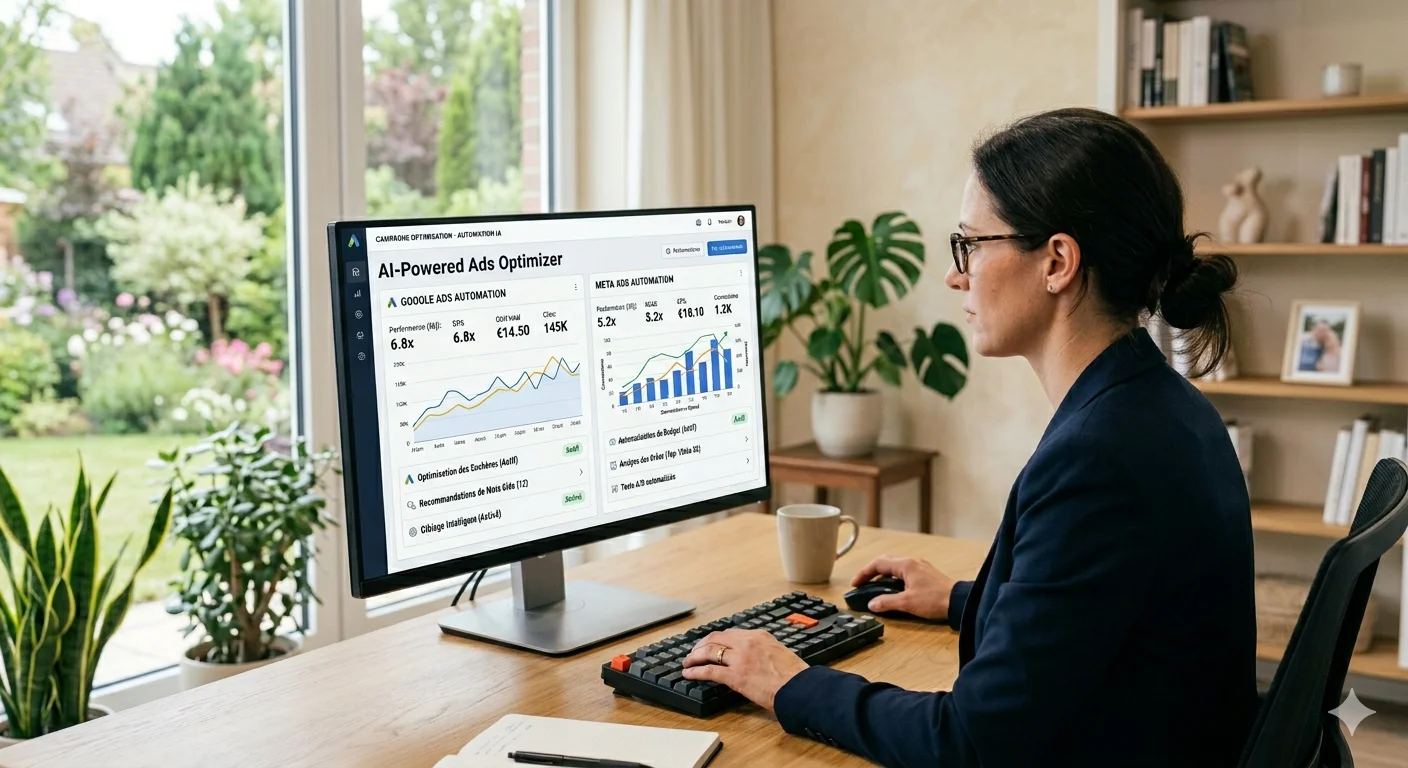
The dashboard part has been solved for years with Looker Studio. What still eats hours is the narrative: what happened, why, and what gets done next month. Claude solves that part when given the right context. This guide explains how to combine the two so the monthly report stops being a full-day manual job.
30-second summary:
- Looker Studio handles the visual dashboard; Claude handles narrative, analysis, and the executive summary
- Combined, they cut monthly report production time from 4-8 hours to 1-2 hours
- The method runs on a fixed Looker template + data extracted to CSV + Claude prompt with client context
- What Claude does best: spot anomalies, write campaign-by-campaign commentary, generate a coherent executive summary
- What still requires a human: prioritizing what to tell the client, validating attribution, and deciding next month’s actions
Which parts of a monthly report can actually be automated?
A typical monthly paid media report has five blocks:
- Executive summary (1 page): key KPIs, variance vs prior month, main decisions
- Performance by channel: Google Ads, Meta, others — table and commentary
- Performance by campaign: detail per campaign with CTR, CVR, CPA, ROAS
- Anomalies and events: what happened outside the expected, and why
- Plan for next month: 3-5 prioritized actions with justification
Blocks 2 and 3 (tables and metrics) are the most automatable. Looker Studio generates them natively by connecting to Google Ads, Meta Ads via Supermetrics or native connector, GA4, etc.
Blocks 1, 4, and 5 are where human time used to concentrate. They’re the ones Claude solves when given: raw monthly data, prior-month data, client context, and relevance criteria. The result doesn’t replace the consultant’s judgment, but it produces a reasonable-quality draft you can edit in 20-30 minutes instead of writing from scratch in 2-3 hours.
The stack: Looker for the dashboard, Claude for the narrative
The setup that works best in my experience has three components:
Looker Studio as the visual layer. A fixed template per client or per account type (ecommerce, B2B, lead gen) with:
- Monthly KPI summary (spend, conversions, CPA, ROAS)
- Comparison vs prior month and vs same month previous year
- Detail per campaign with sparklines
- Anomalies highlighted (campaigns with >20% variance in CPA or conversions)
Data extraction to CSV to feed Claude. The source can be:
- Direct export from Google Ads (best for granular per-campaign data)
- Export from the Looker Studio dashboard itself
- Google Ads API call if you want to automate the entire pipeline, via connectors like Supermetrics
Claude with an analysis and narrative prompt. Receives monthly data, prior-month data, client context, and produces: executive summary, per-campaign commentary, detected anomalies, action suggestions.
The full flow from “raw data” to “final narrative report” fits in 60-90 minutes for a client whose Looker template is already set up. The first time you do it for a new client, initial setup adds 2-3 hours of template and prompt configuration.
An analysis prompt that works
The prompt that delivers the best results has four components: client context, structured monthly data, prior-month data, and an output template.
You are a paid media consultant. You're going to write a monthly report
for a client with this profile:

CLIENT:
- Sector: {{sector}}
- Main products: {{products}}
- Main objective: {{objective: ROAS, B2B leads, ecommerce sales}}
- Monthly spend: €{{budget}}
- Current month: {{current_month}}

CURRENT MONTH DATA (CSV):
{{current_month_table}}

PRIOR MONTH DATA (CSV):
{{prior_month_table}}

EVENTS THIS MONTH (if any):
{{events: launch, promo, budget change, etc.}}

EXPECTED OUTPUT:

1. EXECUTIVE SUMMARY (max 120 words):
   - Main variance vs prior month with figure
   - 1 concrete reason for that variance (based on data, not invented)
   - 1 priority action for next month

2. PER-CAMPAIGN COMMENTARY (max 50 words per campaign):
   - What happened (concrete figure)
   - Why (if the data lets you infer it)
   - Next step

3. ANOMALIES (only if any):
   - Campaign, metric affected, variance, possible cause

4. DON'T DO:
   - Don't invent reasons unsupported by the data
   - Don't use phrases like "in today's landscape" or "it's important to note"
   - If a variance has no clear explanation in the data, write "needs review"
With this prompt and clean data, Claude Sonnet 4.6 produces a draft that needs 15-30 minutes of human editing to reach client-ready quality. The most edited part is the next-month actions, because the model doesn’t know operational context (team capacity, available budgets, key client dates).
Practical case: monthly report for a €15,000/month ecommerce
Real anonymized client: fashion ecommerce with €15,000 monthly spend split between Google Ads and Meta.
One-time setup (~3 hours):
- Looker template connected to Google Ads and Meta Ads via Supermetrics
- Page 1: monthly summary with compared KPIs
- Page 2: per-campaign detail with sparklines
- Page 3: anomalies and relevant events
- Claude prompt configured with sector, products, and objective
Monthly process (each month, ~75 minutes):
- 0-15 min: Verify the Looker dashboard has refreshed correctly; check that conversions match Google Ads and Meta Ads (not GA4, which diverges systematically).
- 15-25 min: Export summary table to CSV. Identify 3-5 events that month requiring context (budget change, promo, launch).
- 25-45 min: Process with Claude. Raw draft output of the report (summary, commentary, anomalies).
- 45-65 min: Human editing. Validate figures, adjust tone, refine next-month actions, remove incorrect inferences.
- 65-75 min: Layout final PDF with Looker dashboard screenshot + edited text.
Comparison with the prior flow (no Claude, same client):
- Prior flow: 4-5 monthly hours
- New flow: 75 minutes monthly
- Reduction: ~75% of the time, with comparable quality per client feedback
The factor with the biggest impact on final time isn’t the AI model but the quality of the Looker template. If the dashboard doesn’t have compared KPIs, period-over-period variance, and highlighted anomalies, Claude doesn’t have enough context and the draft needs much more editing. Investing 3-4 initial hours on the template pays back over the following months.
When not to automate the report?
Some scenarios where Claude + Looker doesn’t pay off.
Clients with less than 3 months on the books. In the initial phase, the report is a relationship and learning tool. Automating before you know the account well produces generic drafts that don’t build trust.
Accounts with structural changes that month. Tracking migration, conversion goal change, full campaign restructuring. In those months the report is 80% contextual narrative and 20% data, and Claude doesn’t have the context to produce it.
Reports for non-marketing stakeholders (CEO, CFO). Here the report’s value isn’t technical depth but strategic prioritization. That decision stays 100% human; Claude can help with drafting once you’ve decided what to tell.
Clients who pay primarily for the report. If your commercial positioning is “I deliver a deep manual analysis each month,” automating the narrative may clash with perceived value. Even if final quality is identical, the perception of effort counts.
In every other case — stable clients, no structural changes, 3+ months on the books, technical stakeholders — the automated flow frees 3-4 monthly hours per client without sacrificing quality. Those hours get reinvested in real account optimization or new client acquisition.
Integration with the rest of the consulting stack
The Claude + Looker reporting flow fits well with other automated processes:
- Search terms analysis with Claude every 30 days → data for the report
- Google Ads account audit quarterly → structural context
- For Shopify clients, SEO audit with Claude → cross-channel report with SEO included
The mistake I see in consultancies trying to automate everything at once is skipping the order. The automated report only works well when there’s a good data flow behind it (clean search terms, well-measured conversions, coherent attribution). Starting by automating the narrative before cleaning the data produces precise reports on dirty data.
Frequently asked questions on Claude + Looker for reports
Which Claude model should I use for reports?
Claude Sonnet 4.6 offers the best ratio between narrative quality and cost for monthly reports. Claude Haiku 4.5 can work if the report is highly templated and cost is critical. Opus is recommended only for annual or quarterly reports where strategic analysis matters more than cost per report.
Can I connect Claude directly to Looker Studio?
Not natively. Looker has no direct Claude integration. The flow runs via an intermediate CSV export: Looker exports summary → CSV → Claude processes → output gets inserted into the final report. For full automation, a Python script with Google Ads API + Anthropic API lets you skip Looker, but you lose the visual layer.
How much does it cost to process reports with Claude API monthly?
For 10 clients with monthly reports of ~10,000 tokens each (input + output), the monthly cost with Claude Sonnet 4.6 runs roughly €30-€80 (current pricing: Anthropic pricing). Versus the saving of 30-40 monthly hours, ROI is clearly positive. With prompt caching the cost drops 30-50%.
Does it work for SEO or email marketing reports too?
Yes, the same principle (dashboard template + structured data + prompt with context) applies to any digital marketing report. For SEO the source would be Google Search Console + GA4; for email marketing, Mailchimp or Klaviyo. What changes is the prompt template and the channel-specific KPIs.
What do I do if the client prefers 100% human reports?
Keep the manual flow for that client. Some clients explicitly value the report as proof of dedicated time, and in those cases automation subtracts perceived value. Where you can still use Claude is internally: quick draft + extensive human editing that produces the “manual” final report in less total time.
Conclusion: time saved gets reinvested, not billed away
The Claude + Looker flow reduces monthly report production time by 60% to 75%. The point isn’t to bill fewer hours but to reinvest those hours in higher-impact work: real account optimization, acquisition, training, or growing the book.
The most frequent mistake I see when implementing this flow is starting with the narrative before having clean data plumbing. Automated reports on dirty data produce errors with a professional appearance, which are the hardest for a client to spot.
If you want to review your monthly reporting flow or see how this stack would fit into your consultancy, you can book 30 minutes.

Could your ad campaigns
perform better?
30 minutes to review your situation and tell you exactly what I would change. No pitch, no sales proposal.