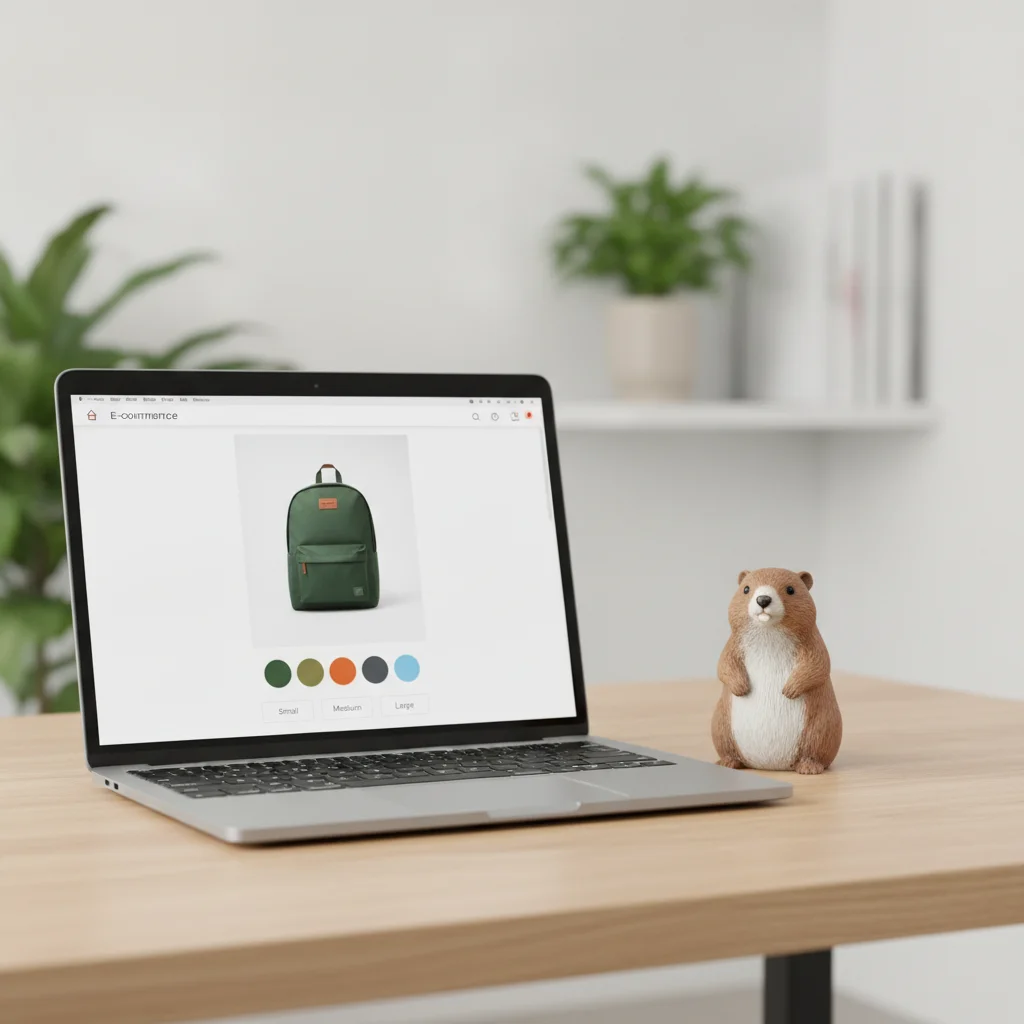
Product variants in Shopify should almost never have their own indexable page. By default, when someone picks a color or a size, Shopify appends a ?variant=12345 parameter to the product URL but keeps the canonical pointing to the clean parent product URL. That’s the right setup for nearly any store: a single product page ranks, and the variants are states of that same page, not new pages.
The trouble shows up when you break that logic without meaning to: apps that rewrite canonicals, theme templates that generate variant links as if they were separate products, or the decision to create a distinct product for every color. That’s where cannibalization starts: two or more URLs from your own store competing for the same keyword, splitting ranking signals instead of concentrating them. In this guide I’ll walk through when to let Shopify do its job, when a variant does deserve its own page, and how to structure it without creating duplicates.
In 30 seconds:
- By default Shopify serves variants as
?variant=IDwith the canonical pointing to the parent product, and that’s the right setup most of the time- Cannibalization crops up when you create a separate product per variant, or when an app rewrites the canonical and exposes each variant as an indexable page
- Rule of thumb: a variant deserves its own page only if people search for it by name (e.g. a color with demand of its own) and you have unique content that justifies indexing it
- The canonical is your main tool:
{{ canonical_url }}in the theme consolidates signals onto the product URL (Google’s canonical guide)- Before touching anything, audit the
view-sourceof your products with variants and check where<link rel="canonical">points
How does Shopify generate variant URLs?
Shopify doesn’t create a new URL per variant: it appends a parameter to the existing URL. When a customer picks size M of a t-shirt, the address bar goes from /products/tshirt to /products/tshirt?variant=41234567. The base path is the same; the parameter only tells the theme which variant to show as selected (price, image, availability).
This has an important SEO consequence. Google can crawl those parameterized URLs, but Shopify’s canonical_url, the Liquid variable the theme drops into the <head>, points to the clean version without the parameter. Shopify’s documentation on the canonical_url object defines it as the canonical URL of the current page. In practice, every ?variant= variation of a product declares the same parent URL as canonical. Google consolidates the signals there and doesn’t index each variant separately.
As long as you don’t break that behavior, you don’t have a cannibalization problem with native variants. The real risk comes through three other doors, which is what we’ll cover next.
Why do variants cause cannibalization?
Cannibalization happens when two URLs on your own domain compete for the same search intent and Google has to pick which one to rank. Usually it splits the authority between them, so neither ranks as well as a single one would. With Shopify variants, this gets triggered by three specific causes:
A separate product for every variant. It’s the most expensive mistake I see in audits. Instead of a single “T-shirt X” listing with color variants, the store has “T-shirt X Red,” “T-shirt X Blue,” and “T-shirt X Black” as independent products, each with its own indexable URL, its near-identical description, and its near-identical title. Three pages fighting over “t-shirt X.” Google doesn’t know which one to prioritize.
SEO apps that rewrite the canonical. Some optimization apps overwrite the theme’s canonical tag, and not always for the better. If an app exposes ?variant=12345 as canonical of itself instead of pointing to the parent product, you end up with every variant competing as its own page. It’s the same pattern I cover in the 5 common canonical tag mistakes in Shopify: when two layers (theme and app) touch the canonical, they tend to clash.
Internal links that point to the variant, not the product. If your theme or your collections link to /products/tshirt?variant=X instead of /products/tshirt, you’re sending internal link signals to the parameterized URL. Even with the canonical set correctly, you muddy your internal link graph and give Google reasons to treat the variant as an indexing candidate.
When should a variant have its own indexable page?
A variant deserves its own page only when people search for it by name and you have something unique to say about it. That’s the criterion, and it’s stricter than most people think.
In my experience, almost every decision comes down to a single question: is there search volume for the specific variant? If you sell a backpack in black, blue, and green, and nobody searches “backpack [model] green” as a term of its own, there’s no reason to give the green variant an indexable URL. The product page with the canonical to the parent is enough.
Now flip it around. If you sell iPhones and people are actively searching “iPhone 15 Pro blue titanium” with real volume, and that variant has its own photos, differentiated content, and maybe different availability, then yes, an indexable page can be justified. But in that case it’s no longer “a variant”: it’s a product with demand of its own. The technical fix isn’t to force indexing of the ?variant=, it’s to create a well-differentiated separate product (its own title, a description written for that search, its own images, no cloning) or a dedicated collection landing.
| Situation | Own indexable page? | Recommended structure |
|---|---|---|
| Sizes (S/M/L/XL) | No | One product, variants with canonical to parent |
| Colors with no search demand of their own | No | One product, variants with canonical to parent |
| Color with real search volume and unique content | Yes, carefully | Differentiated separate product or filtered collection |
| Materials/finishes that change the use case | Depends on volume | Evaluate keyword by keyword |
| Packs or bundles | Yes | Its own product (it’s a distinct offer, not a variant) |
The underlying rule: don’t index because you technically can, index because there’s demand. Every URL you decide to make indexable is a page you have to genuinely differentiate, or you’re back to square one: duplicate content and cannibalization.
How do you structure variants to avoid duplicates?
The correct structure rests on three decisions: keep the canonical pointing to the parent, link internally to the clean URL, and create separate products only when demand justifies it. Let’s take them one at a time.
1. Verify the canonical before touching anything. Open the view-source of a product with variants and search for <link rel="canonical">. It should point to /products/your-product without ?variant=, both in the parent view and when you select a variant. If it points to the parameterized URL, you have an app or a theme rewriting it wrong. This is exactly the kind of fault you track down in a Shopify SEO audit before it starts costing traffic.
2. Link to the clean URL in collections and internal links. Check how your theme builds the product card links on collection pages. They should point to product.url, not to a specific variant’s URL. Good internal linking in Shopify concentrates authority on the URL you want to rank, rather than scattering it across parameters.
3. Create separate products only with validated demand. If a variant has search volume of its own, split it off as a real product and differentiate it: unique title, a description written for that search, its own images. Don’t clone the listing. A separate product that’s a near carbon copy of the original doesn’t solve cannibalization, it formalizes it. If in doubt, start by consolidating on the parent product and watch Search Console: if a variant generates impressions on its own, that’s your signal that it might deserve its own space.
4. Watch out for apps. If you use an app that manages metadata or canonicals, check that it isn’t rewriting variant canonicals to point at themselves. It’s a silent source of duplicates and part of the most common Shopify SEO mistakes that stores drag around without realizing it.
Frequently asked questions
Does Google index Shopify’s ?variant= URLs?
Normally no, as long as the canonical points to the parent product. Google crawls those URLs, but seeing that they all declare the same clean URL as canonical, it consolidates the signals onto the product and doesn’t index each variant separately. If you see indexed variants in Search Console, check that no app is rewriting the canonical.
Should I create a product for every color?
Only if each color has search demand of its own and you’re going to give it genuinely differentiated content. If nobody searches the color by name, a product per color only creates cannibalization: several near-identical URLs competing for the same keyword. In most stores, one product with color variants is the correct structure.
Does the canonical solve variant cannibalization?
Yes, when it’s pointed correctly. The canonical to the parent product tells Google to consolidate the signals from all variants onto a single URL. It stops working when an app rewrites it, when you link internally to the parameterized URL, or when you’ve created separate products. In that last case the canonical doesn’t even apply, because they’re genuinely distinct URLs.
How do I know if I have variant cannibalization?
Check in Search Console whether several URLs on your own domain show up for the same query, and review the view-source of your products with variants to confirm where the canonical points. If you have near-identical separate products (same title with the color swapped, cloned description), that’s a clear sign you’re splitting authority.
Do variants affect the Shopify sitemap?
The Shopify sitemap includes the clean product URL, not the ?variant= variations. That’s why the sitemap alone rarely causes duplicates. If parameterized URLs show up in the index, the source is internal links or apps, not the sitemap. For the full picture, look at how the Shopify sitemap for SEO works.
The rule that sums it all up
Let Shopify do its job. Native variants with the canonical pointing to the parent product are the correct setup for nearly every store, and all you have to do is not break it: audit your canonicals, link to the clean URL, and don’t duplicate products for the sake of having more pages. Index a variant as its own product only when search demand justifies it and you have unique content to differentiate it.
If your ecommerce lives on organic traffic and paid campaigns, cannibalization costs you double: you lose ranking and pay higher CPCs from worse Quality Scores on the landing pages competing with each other. If you’d like me to review your product and variant structure, or how your technical SEO and your ad spend are stepping on each other, book 30 minutes of consulting and we’ll look at it together.
